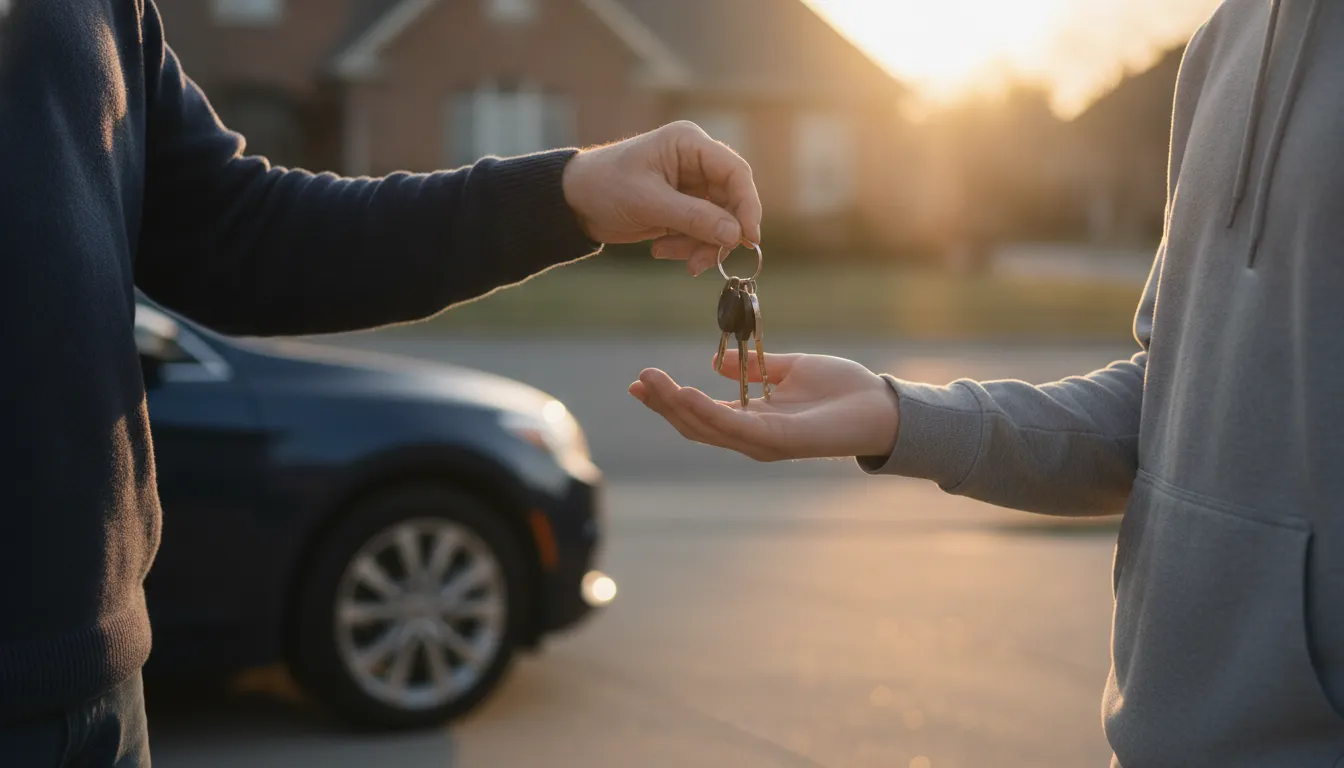
Handing over the keys is a big moment. You can't ride along forever, but you can make sure they know what to do if something goes wrong, and that they have help in their pocket.
Sit down together for a few minutes and set up YourLegal.app on their phone. It's free, for iPhone and Android.
1. Add their insurance and vehicle
In My Info, save the insurance card and the car they drive. If something happens, they won't be digging through the glove box.
2. Add yourself as an emergency contact
Put your name and number in their emergency contacts, so your details are saved with everything else they might need.
3. Check that crash detection is on
The app can sense a sudden stop and ask if they're okay. On Android it can keep watch in the background. On iPhone it works while the app is open. You'll find it in Settings.
4. Show them GET HELP NOW
Point out the big red button and talk through what happens: get safe first, call 911 if anyone is hurt, then follow the steps. A path they've seen before is easier to follow when they're shaken up.
5. Talk about what to say, and what not to
Remind them to stay calm and stick to the facts. Don't argue, don't apologize, and don't say “I'm fine” before seeing a doctor. Then call you.
It works for the rest of the family too
Grandparents, rideshare drivers, anyone you love who's on the road. The app works in English and Spanish, with steps they can listen to.
General information, not legal advice. YourLegal.app is not a law firm. Disclaimer