Safety comes first. If anyone is hurt or you're still in traffic, call 911 and get somewhere safe. The photos can wait a few minutes.
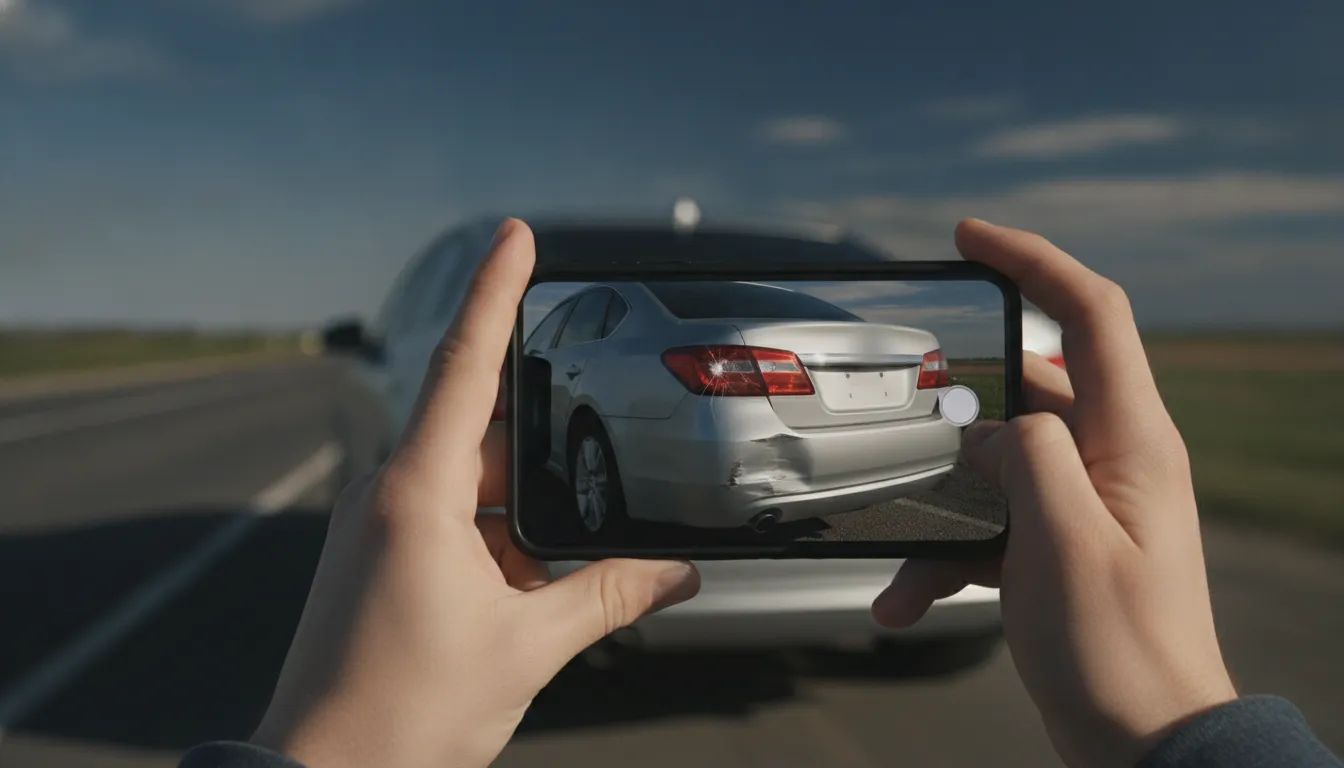
When it is safe, your phone is the most useful tool you have. Once the cars are moved and the road is cleared, the scene is gone for good. These are the eight shots the YourLegal.app photo checklist walks you through, in order.
1. Your car's damage
Get close ups of every dent and scrape, then step back so the whole side of the car is in the frame. Both views help show how the impact happened.
2. The other car's damage
Same idea, from a few angles. Where the cars touched tells a story, so capture it before anyone drives away.
3. A wide shot of the scene
Stand back and show where the cars ended up, the lanes, and any traffic lights or stop signs nearby. One wide photo can answer a lot of questions later.
4. The other car's license plate
Make sure it's sharp enough to read. If the other driver leaves, this may be the only way to find them.
5. The other driver's insurance card
Front and back if you can. In the app you can scan it instead of typing it in.
6. Street signs and landmarks
A street sign, a business, a mile marker. They pin down exactly where it happened.
7. Skid marks and debris
Marks on the road fade, and debris gets swept up fast. Photograph them before they're gone.
8. Anything else that matters
Road conditions, the weather, a traffic light that isn't working, and any visible injuries. If it might matter, take the picture.
A few habits that help
- Take more photos than you think you need. You can always delete extras.
- Keep your conversation to the facts. Don't apologize, and don't guess about what happened.
- Ask witnesses for a name and a phone number before they leave.
Let the app keep track
You don't have to remember any of this. Tap GET HELP NOW in YourLegal.app and the photo checklist takes you through each shot, one at a time, and saves them with your report. No signal? Your photos stay on your phone and upload when you're back online.
General information, not legal advice. YourLegal.app is not a law firm. Disclaimer