01
Safety comes first
The client gets immediate guidance about emergency services, medical attention, and moving to a safe location.
From the first tap to the completed case package, every screen is designed to preserve the facts and connect the client to your firm.
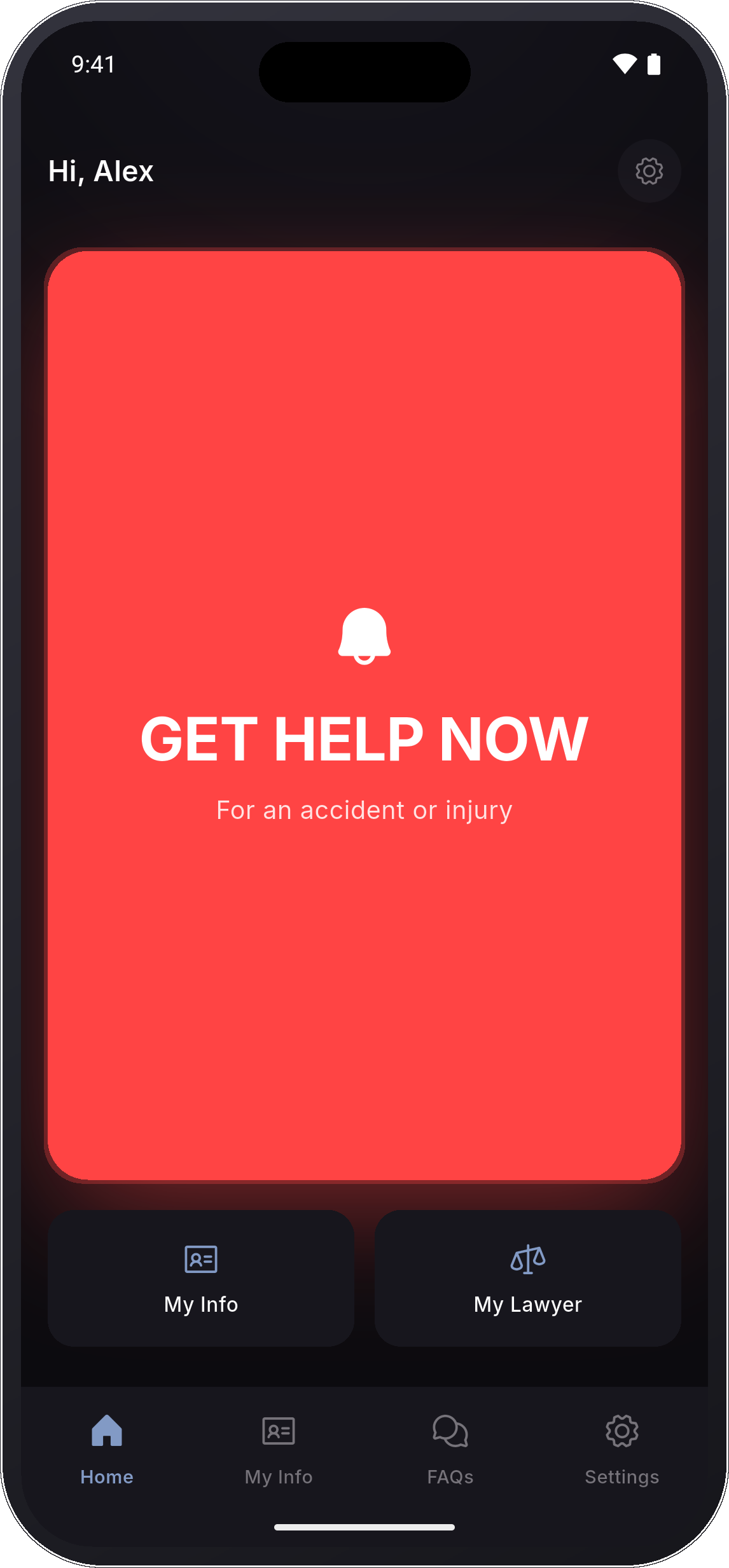
A person in shock should never have to remember the process.
The app asks for the right information in the right order, while the scene and the client’s memory are still fresh.
The client gets immediate guidance about emergency services, medical attention, and moving to a safe location.
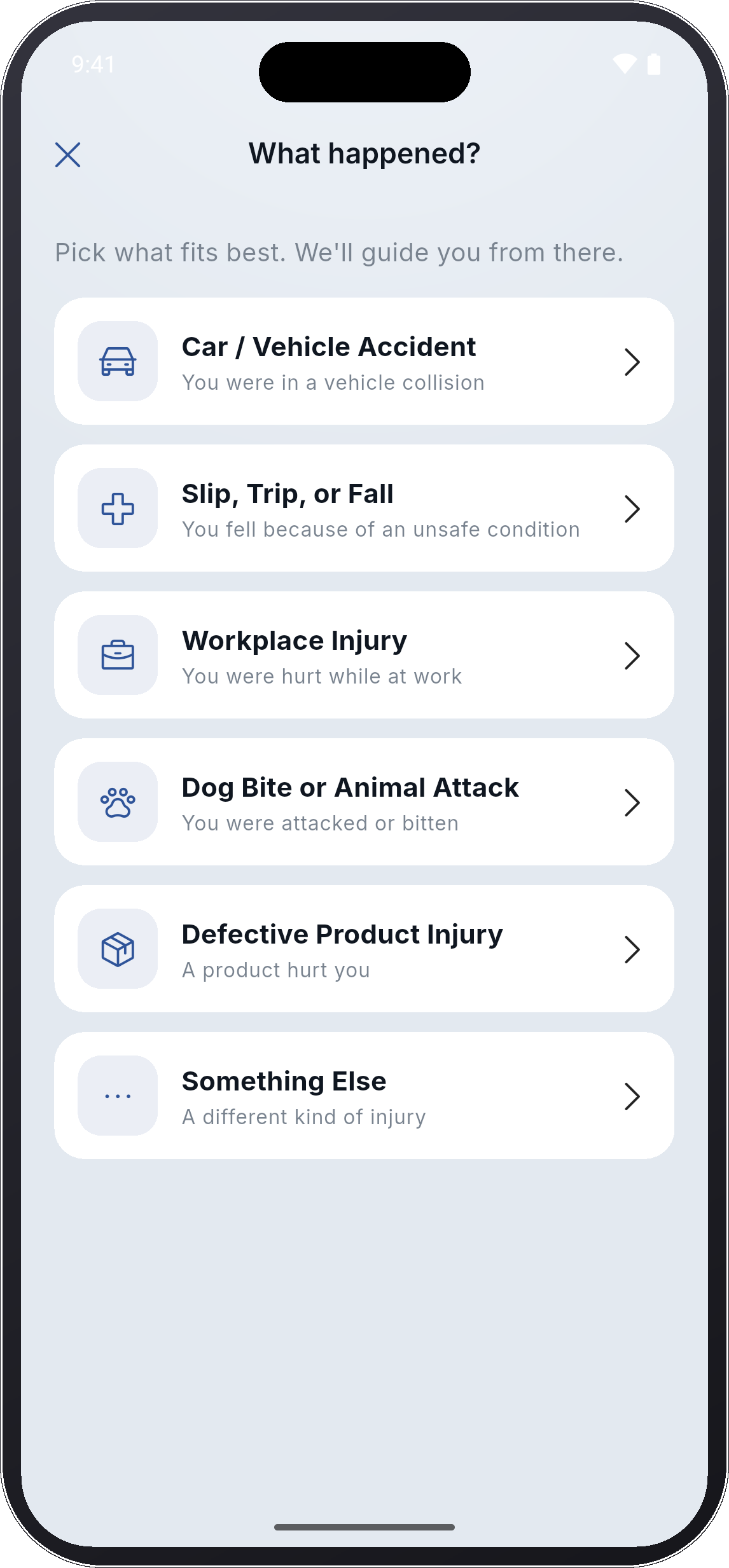
Car accident, fall, workplace injury, animal attack, defective product, or another event. The path adapts to the incident.
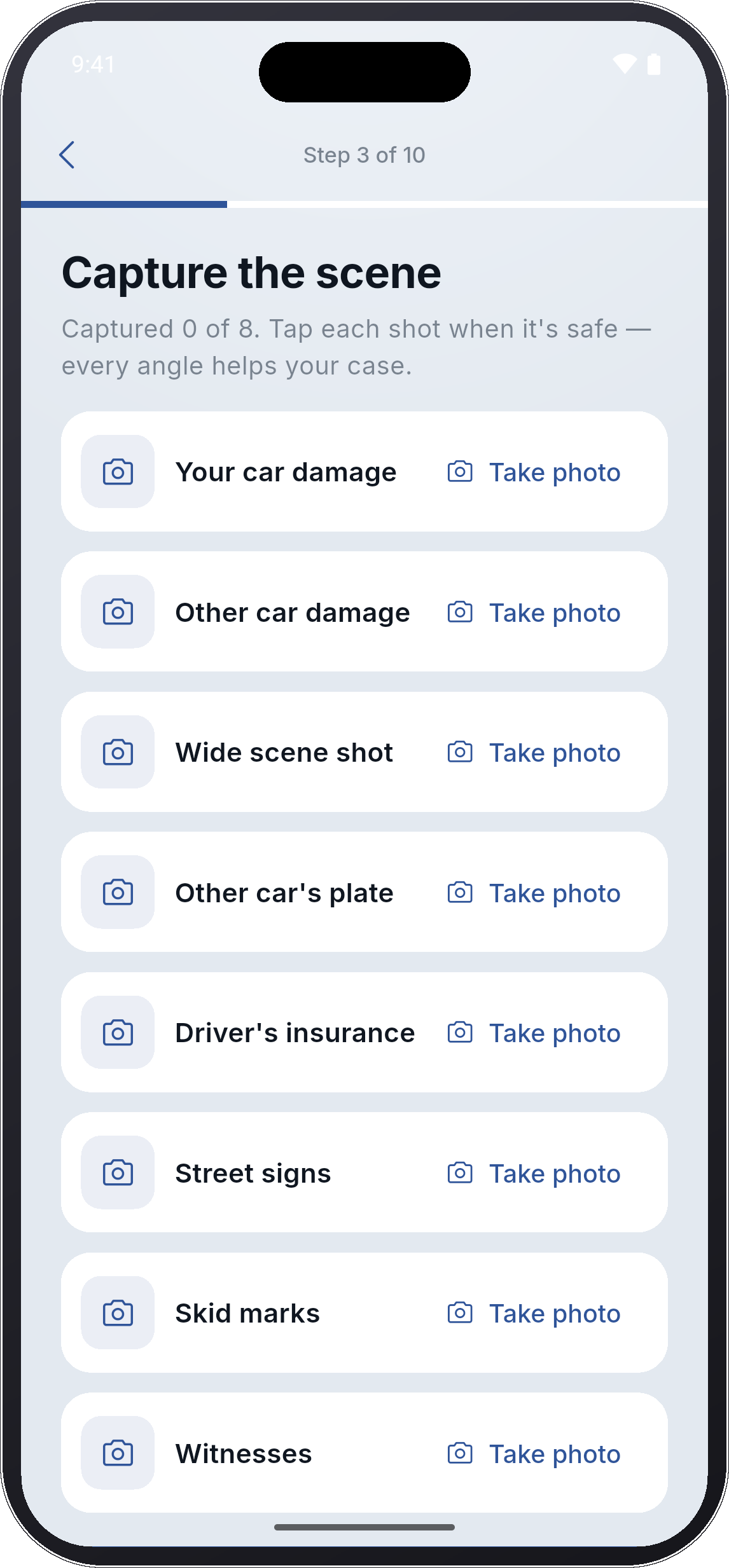
Photos, vehicles, scene conditions, witnesses, insurance information, and location are collected with clear prompts.
What they feel now is captured in their own words, before details are softened or forgotten.
The completed information reaches your team organized and ready for review, with your attorney always one tap away.
Large decisions, plain language, and a visible sense of progress keep the client moving without overwhelming them.
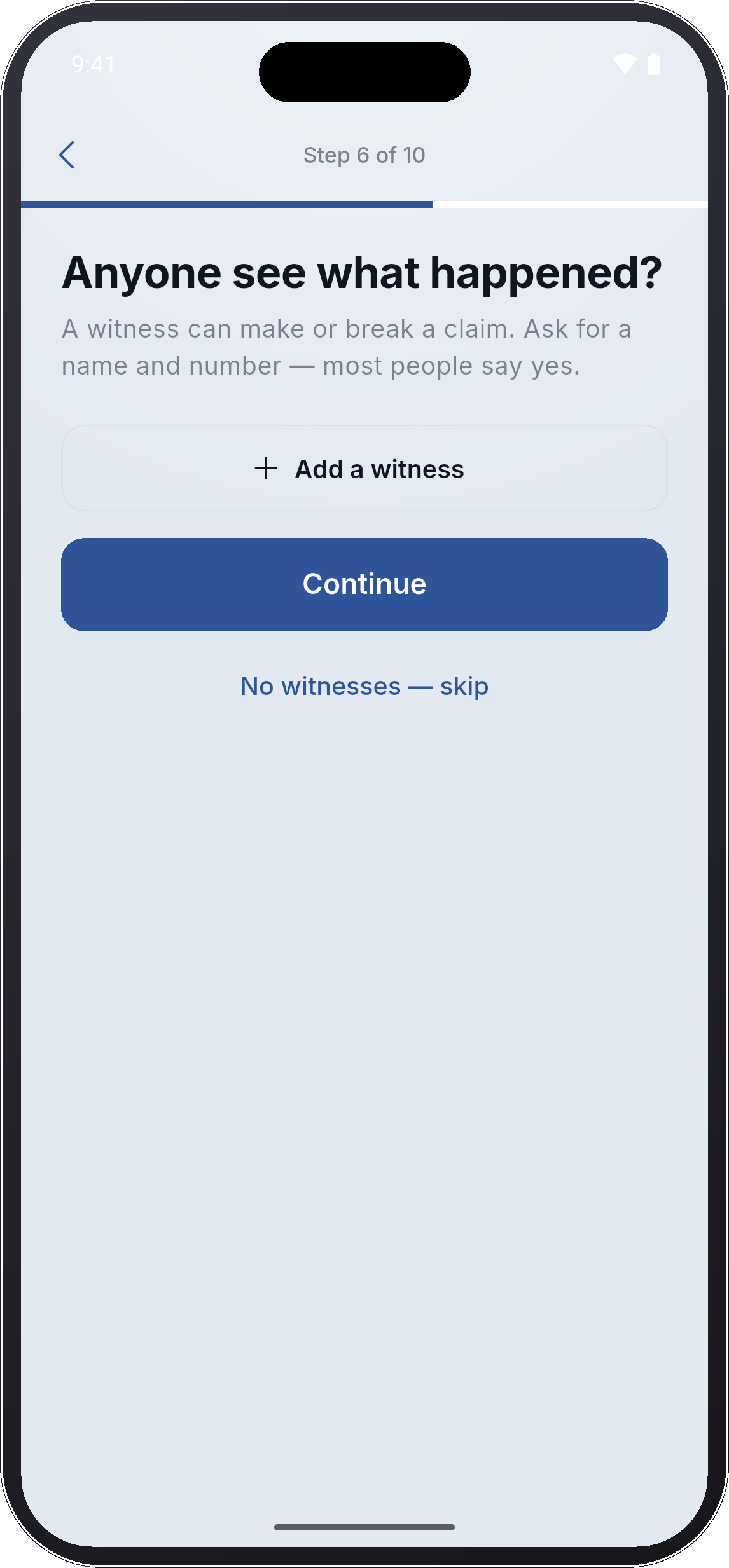
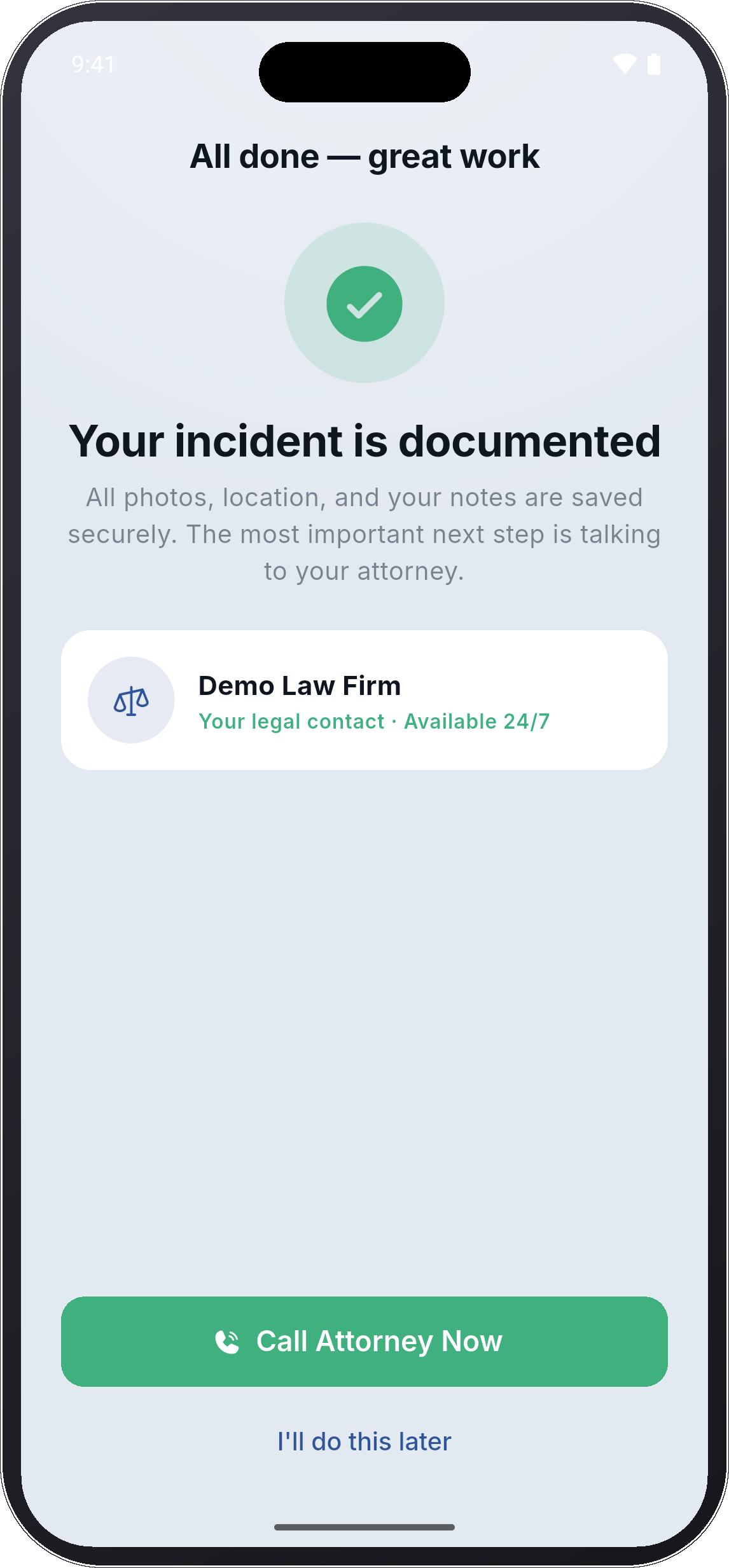
The same client can return years later for a completely different event. Your firm remains the legal resource already installed on the phone.
Scene, vehicle, witness, insurance, and injury documentation.
Hazards, warning signs, property details, witnesses, and conditions.
A flexible incident path that still delivers structured information.
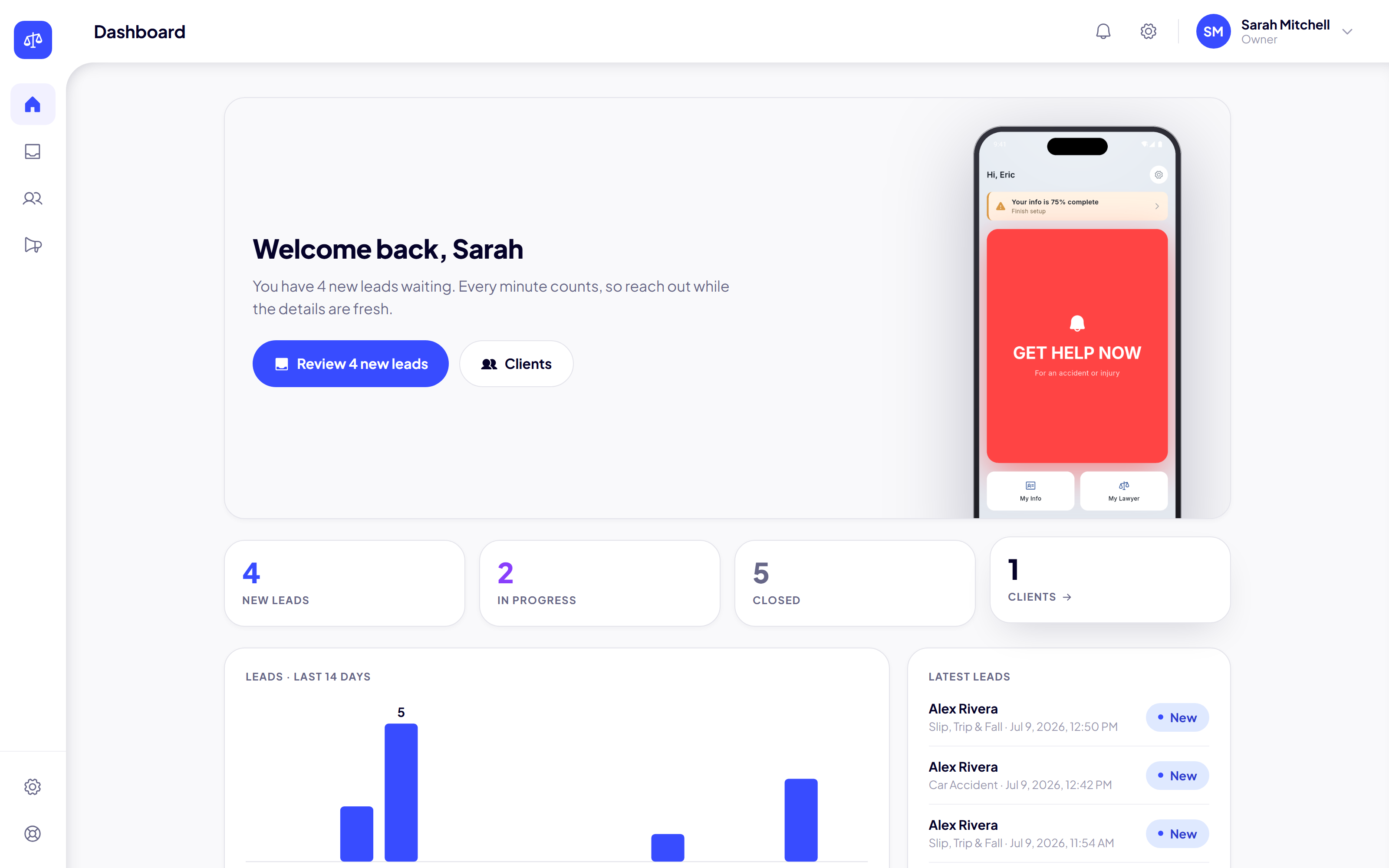
Your command center gives the firm a clean view of new leads, case status, client information, and the evidence captured through the app.